Snap happy: get the best shots for your ad
Difficulty: Medium/hard
Time: 45 minutes
What's it worth: an eye-catching advert
Sell your car part 1: Clean it
Sell your car part 2: Price it right
Sell your car part 3: Write the advert
Sell your car part 4: Take pictures
Sell your car part 5: Place an advert
Advertise your car on Auto Trader now
What you need
A camera
Your car
Image editing software (such as Photoshop or Paint)
Directions
View our step-by-step guide with the image below:
1. Park your car somewhere bright, spacious and attractive if possible. A clean driveway is better than a dirty street.
2. Leave enough room for you to walk around the vehicle and take pictures from different angles.
3. Remove any distractions from inside or outside the car including luggage, rubbish and passengers.
4. Avoid taking images which are out of focus, dark or at a bad angle:
Make sure the environment is well lit but not too bright avoid artificial light and direct sunlight
Avoid taking a picture of the part of the car which has a shadow across it
Keep the camera at a medium to high angle
Avoid taking pictures from above or too low down
Keep the camera steady
Focus on a particular point of the car
Make sure the cameras focus is sharp and not blurred. Most cameras have an automatic setting for this.
Avoid taking pictures in dull, overcast weather. Catch the right Michael Jackson-shaped cloud in the car's reflection and your advert could get extra exposure
5. When taking a picture of an entire car, avoid cutting parts of it off. Try and keep the whole car in the image.
6. Take the following shots of your car (take more than one picture of each area so you can pick the best ones later on):
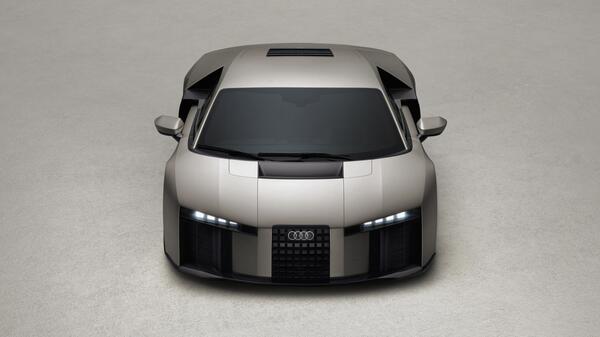
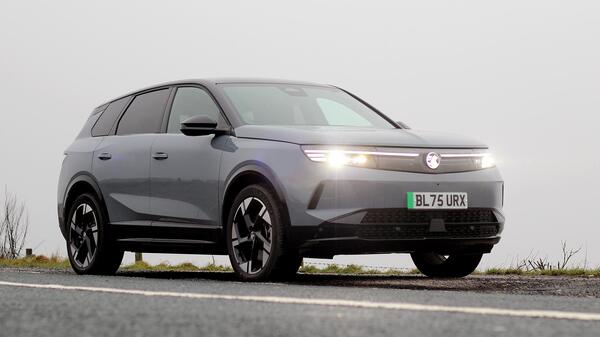
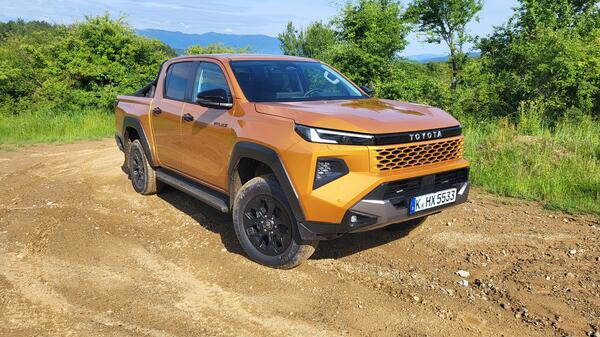
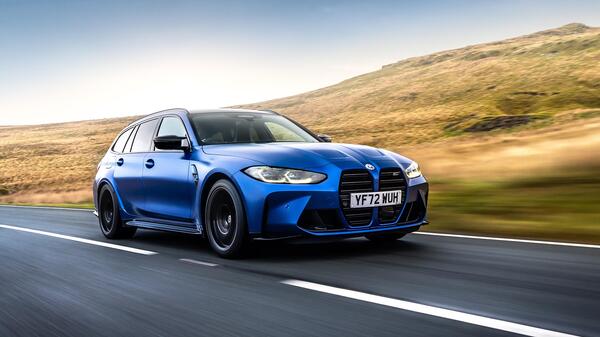
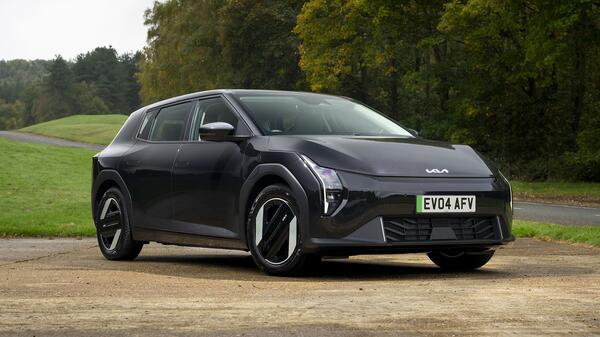
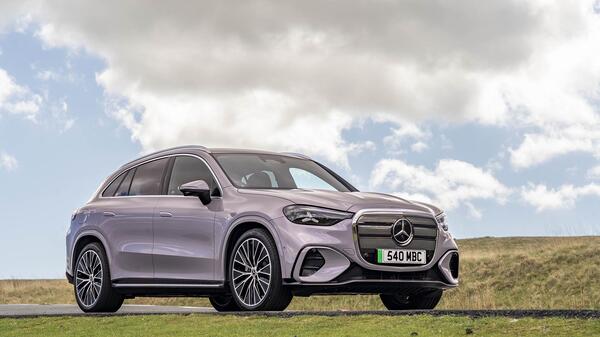
Front corner
Back corner
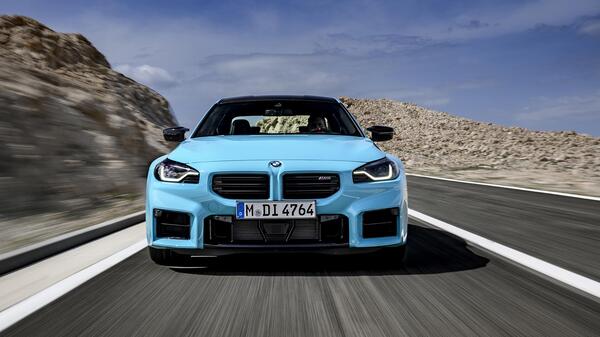
Front
Back
Side
Close-up of a wheel
Dashboard
Mileage odometer
Seats
Inside the boot
The engine bay
Any damage your car has
If you own a convertible, take a picture with the roof down and one with the roof up
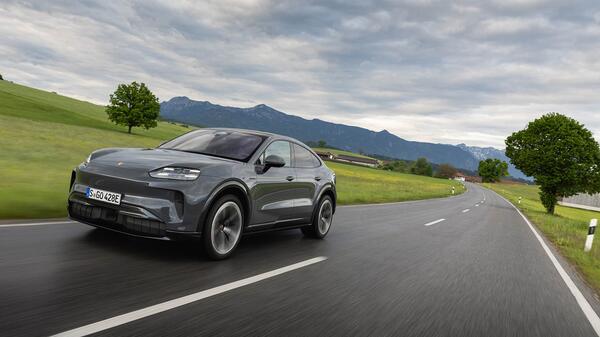
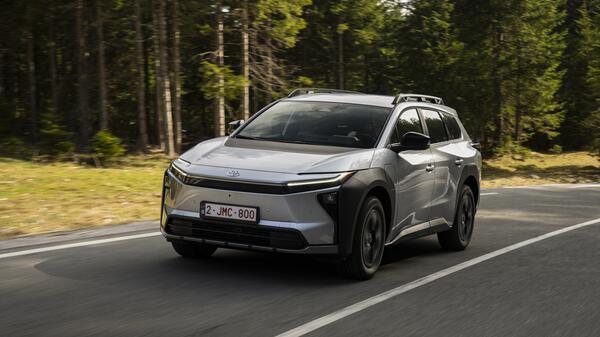
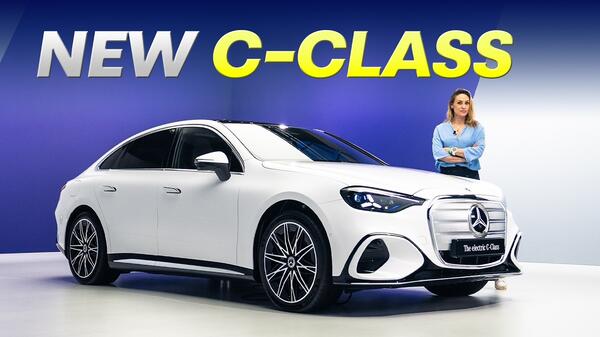
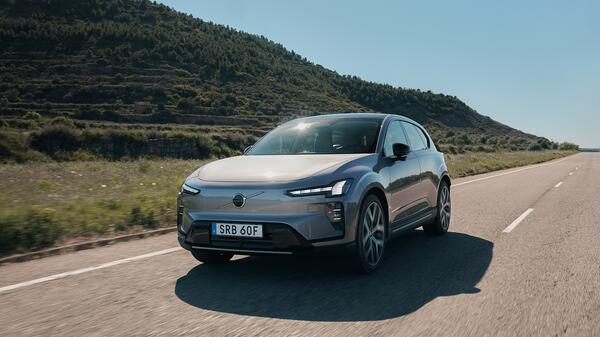
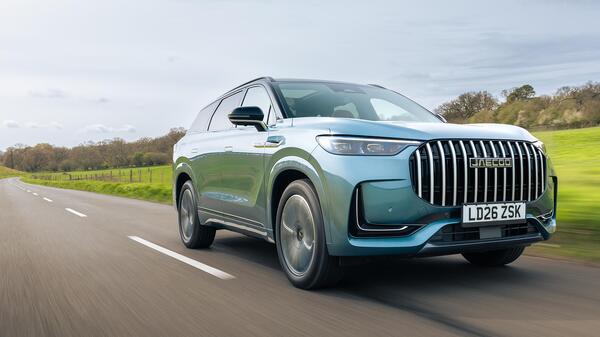
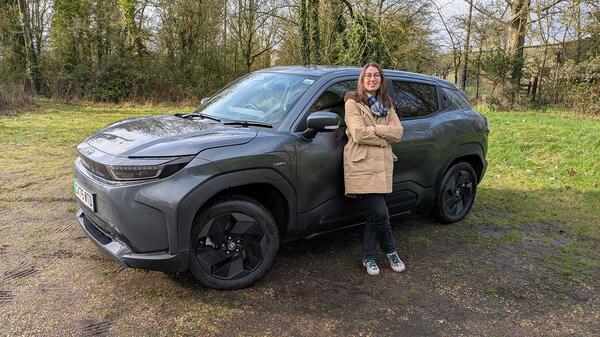
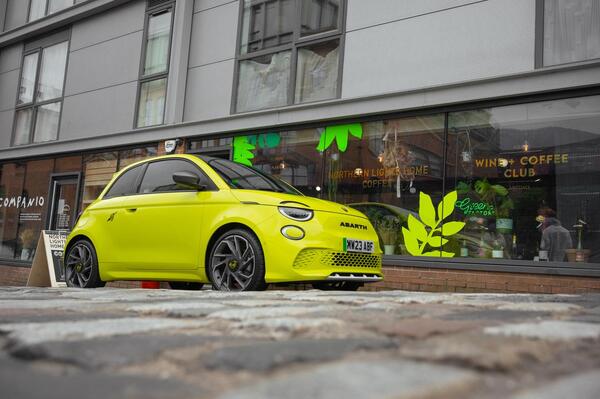
View our gallery for example images:
7. Upload the images onto your computer. If you dont have a digital camera, use a scanner.
8. Resize the images to 640x480 pixels. If this isnt possible they will be automatically resized when you place your advert.
9. Save images in JPEG format (or .JPG) this is default for most digital cameras.
10. Choose the best nine pictures. Use a selection that gives buyers a complete view.
11. Do not use stock or library images Auto Trader will not accept these. You must give a true representation of your vehicle.
12. Images with backgrounds cut out are also not acceptable.
13. Each image must be a single shot of the car montage images will be rejected.
14. Store your favourite nine images in a folder.
15. Choose the main image for your advert usually an image of the whole car taken from the left or right front corner.
16. Place your advert. We show you how in the next part of our guide.
Advertise your car on Auto Trader now
More advice:
Sell your car part 1: Clean it
Sell your car part 2: Price it right
Sell your car part 3: Write the advert
Sell your car part 4: Take pictures
Sell your car part 5: Place an advert
Was this article useful? What else would you like to see? Have your say on the Auto Trader Blog


RSS